Hosting, made light.
Websites, email and domains for all your customers, in one free panel. One command to install, about fifteen minutes to go live.
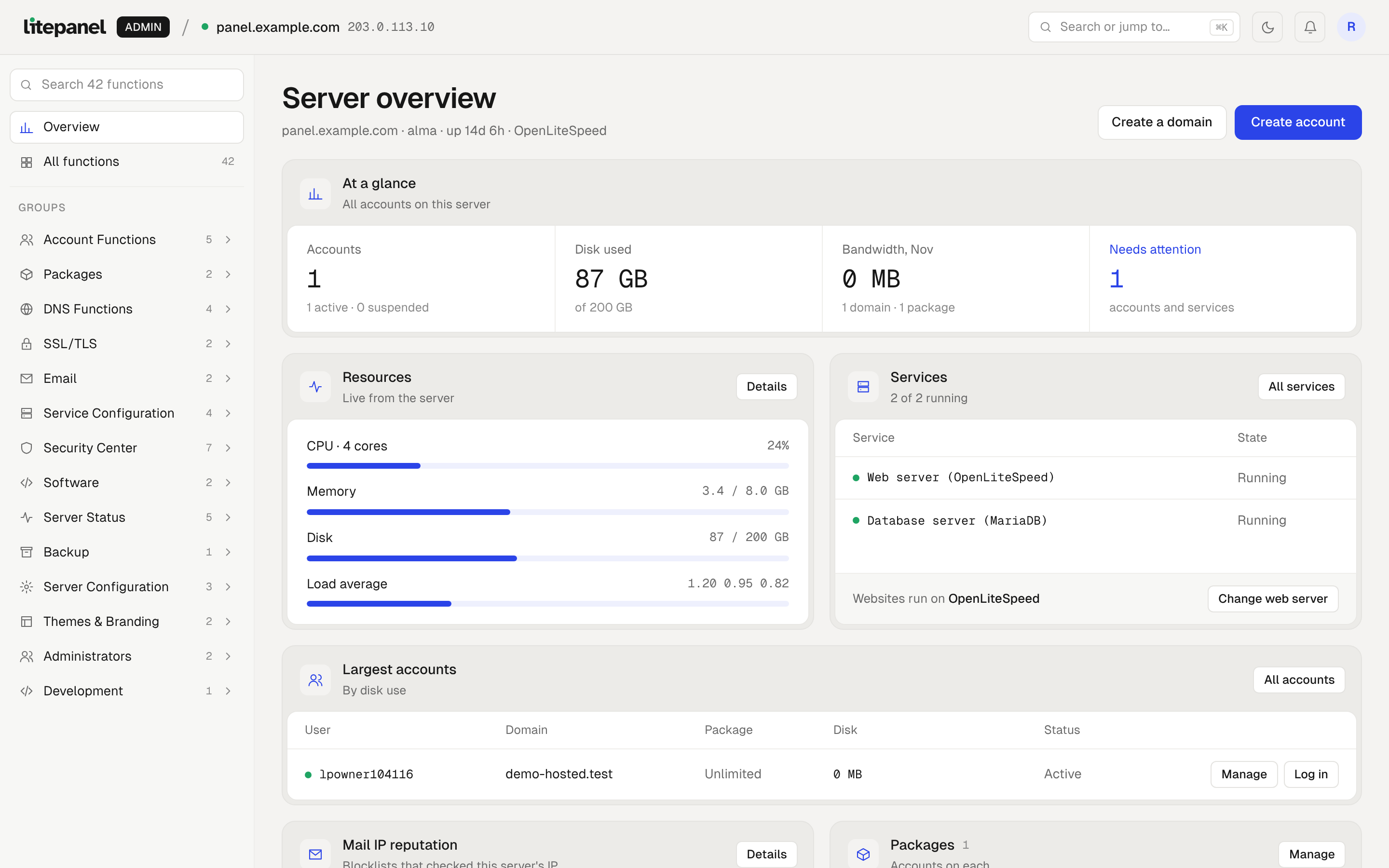
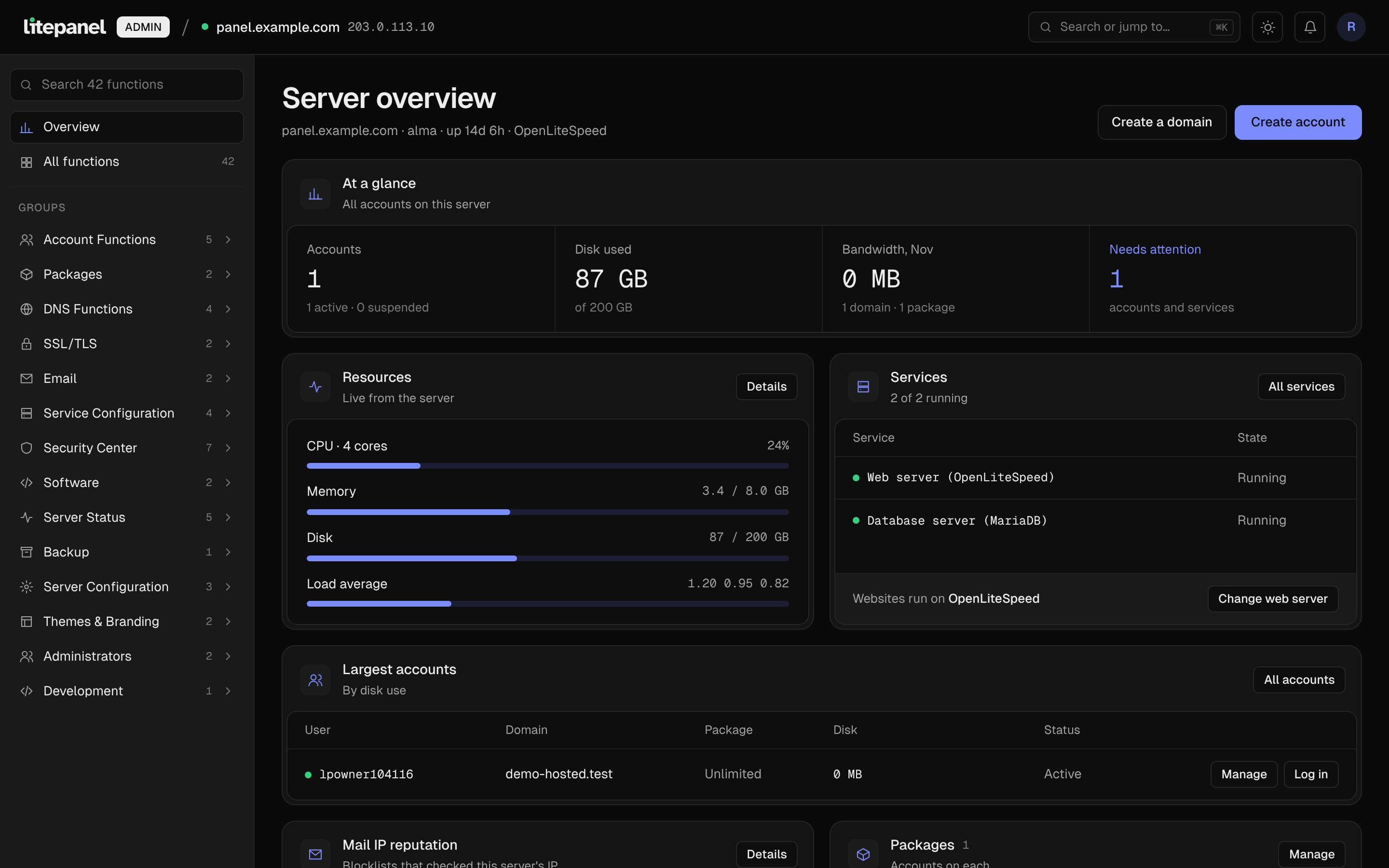
Runs on AlmaLinux or Rocky Linux, with OpenLiteSpeed, MariaDB, Redis / Valkey and free SSL from Let's Encrypt.
Less to look after.
LitePanel brings your old accounts over, keeps customers apart from each other, and restarts services that stop.
Move in from cPanel
Bring your accounts over with their websites, email, databases and DNS, in a few clicks.
Secure by default
Firewall, web firewall and virus scanning are on from day one, and each customer is kept apart from the rest.
Always online
If a service stops, the watchdog restarts it and lets you know. Updates are checked before they install.
One command on a fresh server.
Paste one line and LitePanel sets up everything your customers need. About fifteen minutes later, you sign in and create your first account.
Only need nameservers?
Free · no keyInstall a DNS-only server: a small server that answers DNS for all your LitePanel servers, so your customers' domains keep working even while one server is down. 512 MB of memory is enough. How it works
curl -fsSL https://securedownloads.litepanel.dev/install.sh | sudo bash -s -- --dns-only
Only need email?
Same free keyInstall an email-only server: mailboxes, webmail, calendar and phone sync for your customers' domains, without their websites. Your customers see just their email, DNS and backups. How it works
curl -fsSL https://securedownloads.litepanel.dev/install.sh | sudo bash -s -- --license YOUR-KEY --mail-only
Who it's for
Anyone who runs a server for other people's websites and email.
Hosting companies
Sell shared hosting with packages and limits, under your own name and logo.
Web agencies
Host every client's site on your own server, each in its own account with its own login.
Developers
Deploy from Git, run Node.js and Python apps, and try WordPress changes on a staging copy first.
Everything a shared hosting server runs.
86 tools, all on the free license: websites, email, domains and databases for every customer, and what you need to run the server.
Websites and apps
Any site, with the PHP version it needs, plus Node.js and Python apps and fast caching.
- One-click App Installer
- WordPress Manager
- WordPress staging and undo
- Node.js Apps
- Python Apps
- PHP Manager
- PHP Extensions
- PHP Settings
- Redis / Valkey
- LSCache
- Cron Jobs
- Error Logs
- Web Statistics
Mailboxes with modern webmail, calendar and contacts, and sync to phones and Outlook. Or run a server for email only.
- Email Accounts
- Webmail
- Calendar and contacts
- Phone and Outlook setup
- Forwarders
- Default Address
- Email Routing
- Mailing Lists
- Autoresponders
- Email Filters
- Account Filters
- Spam Filter that learns
- Track Delivery
- Outgoing Mail limits
- Mail Queue
Domains and SSL
Every domain in one place, with free SSL that renews itself, DNS that stays in step with Cloudflare, and a free DNS-only server for your nameservers.
- Domains
- Subdomains & Aliases
- Redirects
- DNS Editor
- Cloudflare DNS sync
- Free SSL Certificates
- Hostname SSL
- SSL/TLS Status
- Nameservers
- DNS Cluster
- Site Monitoring
Files and backups
Files, uploads and deploys, with backups on the server or in your own remote storage.
- File Manager
- SFTP Accounts
- Git Deploy
- Disk Usage
- Account Backups
- Server-wide Backups
- Remote backup storage
- Easy restores
Databases
MariaDB databases for every site, with their own users and phpMyAdmin built in.
- MariaDB Databases
- Database Users
- phpMyAdmin
- Remote Access
- Database Server Manager
Security
Protection that's on from day one, with a security check that fixes problems in one click.
- Security Advisor
- Firewall Manager
- ModSecurity web firewall
- Virus Scanner
- Account Sandbox
- IP Blocker
- Two-factor Login
- SSH Keys
- Directory Privacy
- Hotlink Protection
- Indexes
Accounts and packages
Unlimited hosting accounts, with packages that set each one's limits.
- Manage Accounts
- Create a New Account
- Import from cPanel
- Packages and limits
- Skeleton Directory
- SSH Access per account
- Sign in as a customer
Server
See what the server is doing, and let the watchdog restart anything that stops.
- Service Manager
- Watchdog
- Web Server Manager
- Server Information
- Resource Usage
- Processes
- Terminal
- Notifications
- Server Settings
- Change Hostname
- ChangeLog
Branding and team
Your name and logo on the panel, in English, Bangla or Spanish, with logins for your team.
- Branding
- Language Manager
- Admin Users
- Admin Activity Logs
- API Tokens for billing
Questions
Is it really free?+
Yes, during early access. Every server gets a free key from my.litepanel.dev, with no account limit and nothing held back. Before we add paid plans, we'll tell you at least 60 days ahead.
Why do I need a key?+
The key links LitePanel to your server, so it can receive updates. It's free and takes a minute to get.
Can I install it on a server I already use?+
Start with a new server. LitePanel sets up everything itself, so it shouldn't share a server with another control panel.
Does a DNS-only server need a key?+
No. A DNS-only server is free and installs without a key. It holds a copy of your other servers' domains, so ns1 and ns2 can be different machines.
Can I use LitePanel just for email?+
Yes. Install with --mail-only and the server hosts email without websites: mailboxes, webmail, spam filtering and DNS. It uses the same free key as any server.
I'm moving to a new server.+
Open your license at my.litepanel.dev and press "Move to another server", then install on the new one with the same key.